Step 1: Build a Keyword List Before You Search
Start with the terms government buyers are likely to use, not only your brand or internal product name.
For example, an electrical business might track:
Electrical maintenance.
DG set maintenance.
Transformer.
LT panel / HT panel.
Cable and wiring.
Electrical installation.
AMC / CAMC.
A manpower company might track security services, housekeeping, facility management, data entry operators, technical manpower and outsourcing.
Step 2: Use the GeM Bid Listing Keyword Search
Open the GeM bid listing and search one focused keyword at a time. The public listing currently provides a keyword field as well as filters for ongoing/status-based bids and bid end-date ranges.
Step 3: Search Both Product Names and Service Terms
A frequent mistake is searching only the exact product name. Buyers may use broader, technical or functional descriptions. Try variants such as:
Product name.
Generic category name.
Technical specification.
Industry abbreviation.
Maintenance/repair/installation terms.
AMC, CAMC, supply, installation and commissioning.
Step 4: Filter by Closing Date
Use the bid end-date filter to focus on opportunities that are still actionable. A bid closing tomorrow may not be realistic if you still need catalogue approval, OEM documents, technical certificates or a complex financial submission.
Step 5: Open the Bid and Read the Complete Conditions
A keyword match does not mean the tender is suitable. Review:
Bid number and buyer organisation.
Product/service category.
Quantity or scope of work.
Technical specifications.
Required experience and turnover.
Certificates and statutory approvals.
Delivery/service location.
MSE/Make in India preference clauses.
EMD/bid security conditions, where applicable.
Buyer Added Bid Specific Terms and Conditions.
Bid closing date and time.
Step 6: Check Whether Your Catalogue or Service Offering Matches
GeM is catalogue-driven. Before investing time in a bid, confirm that your relevant product or service is properly listed and can be offered against the bid requirements. GeM’s official seller training treats Catalogue Management and Bid/RA Participation as separate seller stages.
Step 7: Create a Tender Shortlist
Do not treat every result as a live sales opportunity. Maintain a shortlist with columns such as:
Bid number.
Buyer.
Product/service.
Estimated value, if shown.
Closing date.
Eligibility status.
Missing documents.
Decision: Bid / Review / Skip.
Step 8: Monitor Corrigenda
GeM states that buyer-issued corrigenda can change specifications or bid terms. Recheck shortlisted bids regularly, especially in the final days before closing.
Step 9: Set a Daily Tender Routine
Search priority product keywords.
Search priority service keywords.
Filter upcoming closing dates.
Shortlist technically relevant bids.
Review eligibility.
Assign document preparation.
Recheck corrigenda.
Product Tender vs Service Tender: What to Check
Product Bid Service Bid
Catalogue and product specifications Service category and scope of work
OEM/brand/authorisation conditions, if applicable Manpower, experience and deployment conditions
Quantity, delivery and warranty Service duration, SLA and performance requirements
Technical datasheets/certificates Qualification, labour/statutory or service-specific documents
How Nivix India Can Help
Nivix India helps businesses identify relevant GeM opportunities, screen tender eligibility and organise bid documents. A focused tender search saves time and helps your team spend effort on opportunities that genuinely match your business.
Frequently Asked Questions
Can I search GeM bids without checking every tender manually?
Yes. Use focused keywords and the available bid-status and end-date filters to narrow the results before detailed review.
Should I search only by my exact product name?
No. Search generic, technical and functional terms as buyers may use different descriptions.
How often should I check GeM tenders?
Businesses actively bidding should monitor relevant keywords regularly because new bids and corrigenda can be published frequently.
Why do I need to check corrigenda?
A corrigendum may change specifications, dates or terms, so it can directly affect your bid preparation and eligibility.
Related GeM Guides
GeM Bid vs Government e-Tender
How MSMEs Can Participate in GeM Tenders
Need GeM Tender Support?
For tender discovery, document guidance and bid-support assistance, contact Nivix India.
Phone: +91 88008 96808
Email: nivixindia@gmail.com
Website: nivixindia.com
Note: Nivix India provides consultancy and bid-support services. Tender eligibility, platform acceptance and award decisions remain with the relevant buyer/procuring authority.
Official References
GeM Bid Listing
GeM Seller Journey Learning Modules
Government of India eProcurement System
Ministry of Micro, Small & Medium Enterprises
Gem Tenders
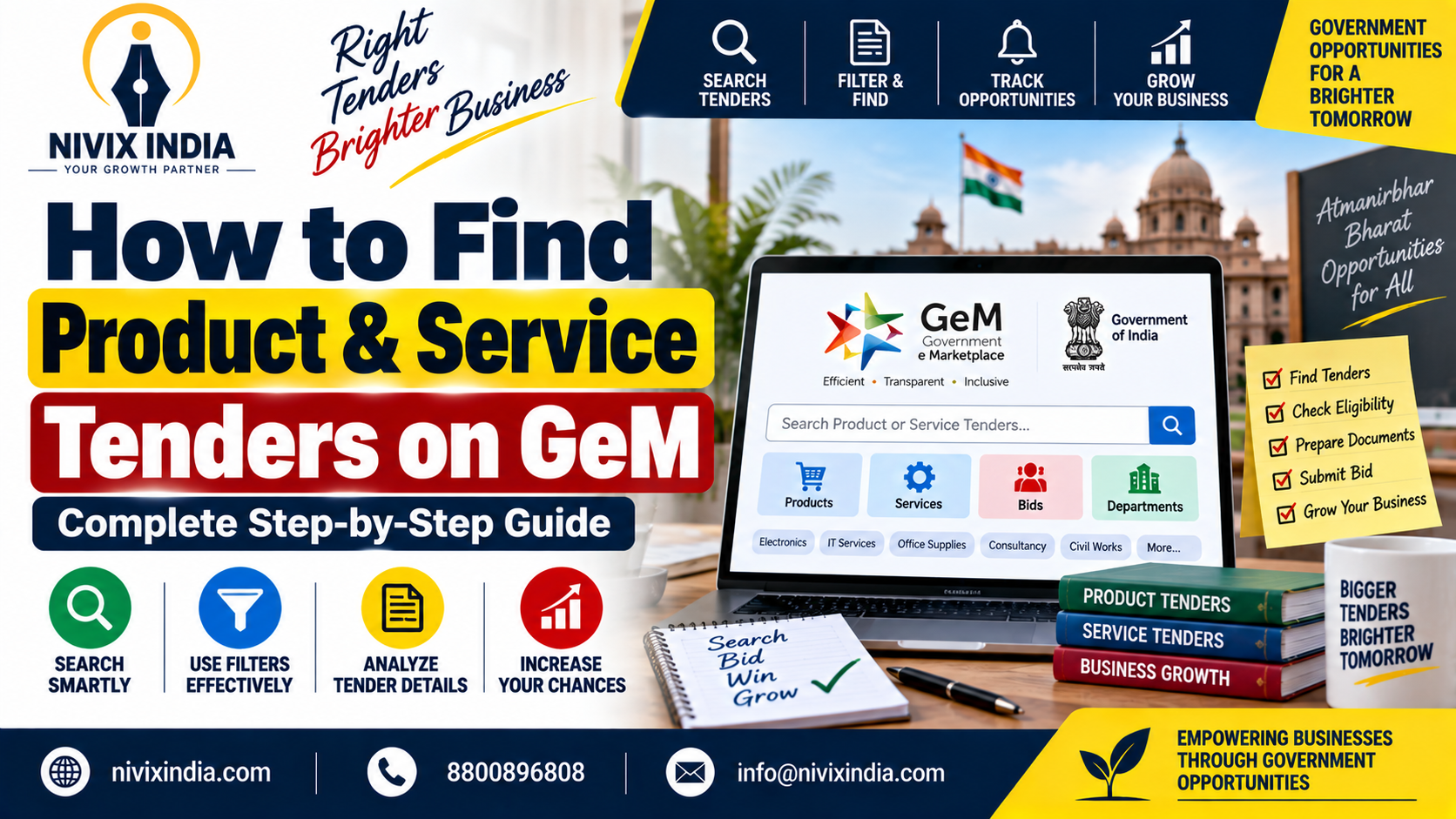
How to Find Product & Service Tenders on GeM
Finding the right GeM tender is not about opening every bid on the portal. The better approach is to build a focused search system around your products, services, technical keywords, eligibility and target buyers. GeM provides a public bid listing with keyword search and filters such as bid status and bid end date. Registered sellers can also use their seller workflow to manage catalogue, bid participation and order activities.
