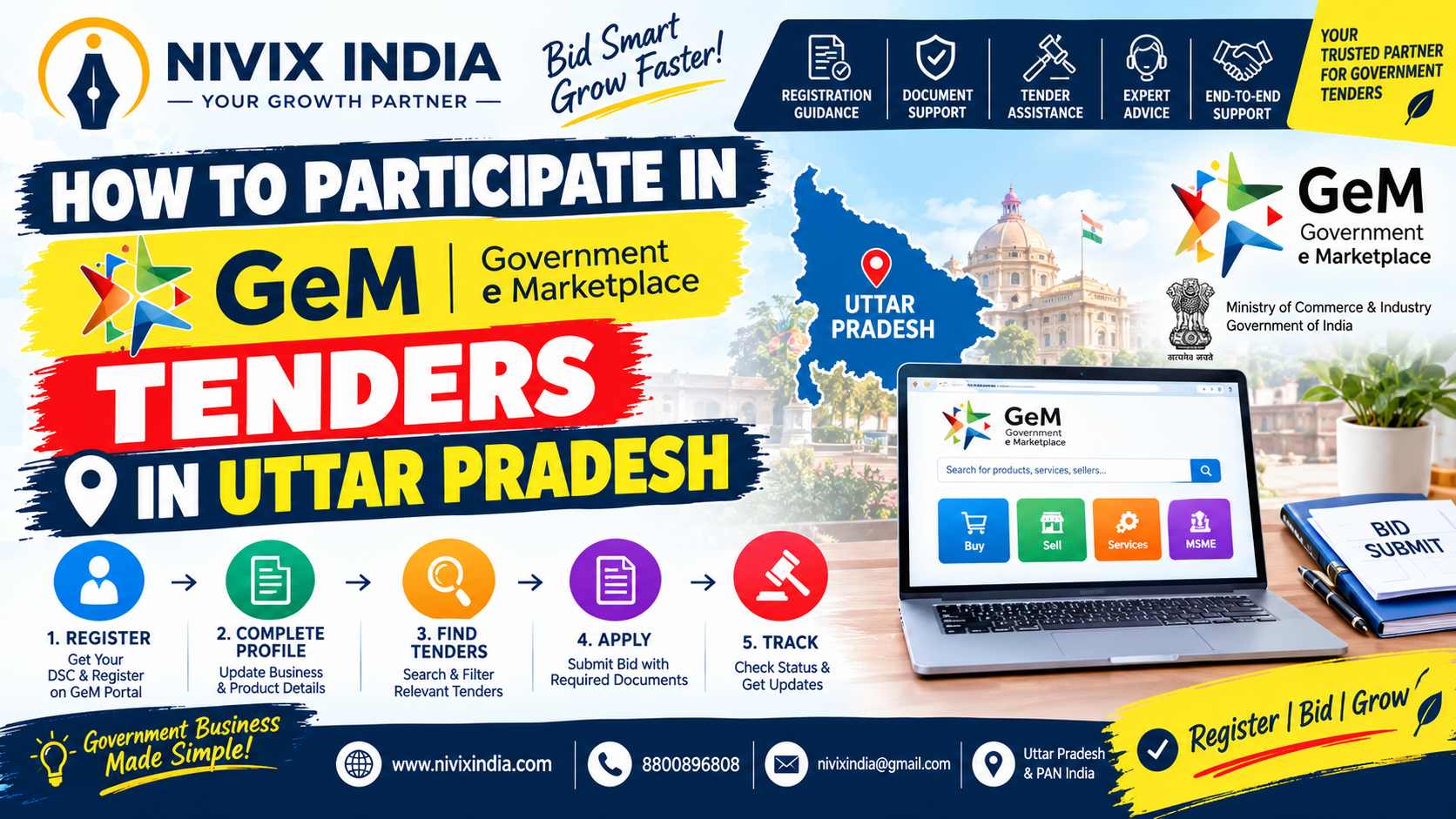
What Is GeM Tendering?
GeM stands for Government e-Marketplace. It is an online public procurement platform developed to facilitate transparent and efficient purchasing by government organisations.
Sellers can register their businesses, list eligible products or services and participate in relevant bids according to the conditions specified by the buyer.
For businesses in Uttar Pradesh, GeM can provide opportunities in areas such as office supplies, electrical equipment, IT products, furniture, construction-related supplies, housekeeping and professional services, depending on the available bids.
Official website: https://gem.gov.in
Step-by-Step Process to Participate in GeM Tenders in Uttar PradeshStep 1: Register Your Business on GeM
The first step is to create a seller or service provider account on the official GeM portal. Enter the required business and authorised-person details accurately.
Depending on the business structure and portal requirements, you may need PAN details, Aadhaar-based verification, business registration information, contact details and other supporting records.
Make sure the information provided matches the relevant official documents.
Step 2: Complete Your Seller Profile
After registration, complete the organisation profile and relevant verification requirements. Add the applicable business, tax and bank account details.
Manufacturers, traders and service providers should select the appropriate business category and complete the applicable product or service listing requirements.
An incomplete or inconsistent profile may create difficulties during bidding or subsequent verification.
Step 3: Search for Suitable GeM Tenders
Log in to your GeM seller account and explore the available bids.
Use relevant keywords, product categories, service categories, buyer organisations and other available filters to identify suitable opportunities.
Businesses operating in Uttar Pradesh should carefully check whether a bid includes any location-specific conditions, delivery requirements or restrictions on eligible bidders.
Step 4: Read the Tender Conditions Carefully
Before participating, review the complete bid document and all applicable additional terms and conditions.
Pay particular attention to:
- Eligibility criteria and required experience Product specifications or scope of services
- Turnover and financial requirements
- Earnest Money Deposit (EMD), if applicable
- Performance security requirements, if applicable
- Delivery timelines and service obligations
- Technical documents and submission deadlines
Do not assume that every GeM tender has the same eligibility conditions. Requirements differ from one bid to another.
Step 5: Prepare the Required Documents
The documents required depend on the tender, business type and product or service category. Commonly requested documents may include:
- PAN card of the business or proprietor, as applicable
- Aadhaar or authorised-person verification details, where required
- Business registration or incorporation certificate
- GST registration certificate, where applicable
- Bank account details and supporting proof
- Udyam Registration certificate, if applicable
- Income Tax Returns and turnover documents, where required
- Experience certificates and previous work orders, if specified
- Product catalogues, technical specifications or compliance certificates
- Declarations and undertakings prescribed in the bid
Certain categories may require additional licences, registrations, quality certifications or technical documents. Always follow the specific bid requirements.
Step 6: Submit Your Technical and Financial Bid
Complete the required online bid forms and upload the supporting documents in the prescribed format.
Provide accurate technical information and quote your price after considering product costs, transportation, taxes, delivery obligations and other applicable expenses.
Check all entries before final submission. Where a bid includes separate technical and financial evaluation, ensure that both parts are completed according to the portal instructions.
Submit the bid before the closing date and time, and retain the submission confirmation or relevant reference details.
Step 7: Track Your Bid Status
After submission, regularly check the bid status, buyer communications, clarifications, corrigenda and any additional requirements.
If your bid is selected, follow the applicable purchase order, contract, delivery, invoicing and payment procedures. Selection or award is subject to the buyer's evaluation and the tender conditions.
Common Mistakes to Avoid in GeM TendersBusinesses should avoid the following mistakes:
- Uploading incomplete or incorrect documents.
- Ignoring mandatory eligibility conditions.
- Quoting an unsustainable price without calculating total costs.
- Missing the deadline or failing to complete final submission.
- Overlooking corrigenda or revised tender conditions.
- Providing inconsistent information across business records and bid documents.
- Assuming that GeM registration alone guarantees eligibility or a tender award.
Careful document preparation and a thorough review of the bid conditions can help reduce avoidable errors.
GeM Tenders and Uttar Pradesh e-ProcurementIt is also important to understand that GeM and the Uttar Pradesh e-Procurement portal are separate platforms.
Some state government tenders are published through the Uttar Pradesh e-Procurement system. Contractors and suppliers should check the relevant department's tender notice to identify the correct platform and registration requirements.
Official Uttar Pradesh e-Procurement portal: https://etender.up.nic.in
How Nivix India Can HelpParticipating in government tenders requires careful documentation, eligibility checks and timely submission. Nivix India provides professional assistance with tender documentation, GeMrelated support, business registration guidance and bid preparation based on the applicable requirements.
Our team can help businesses understand tender conditions, organise supporting documents and identify potential documentation gaps before submission.
For professional assistance and complete documentation support, contact Nivix India Today.
ConclusionParticipating in GeM tenders in Uttar Pradesh starts with seller registration, profile completion, tender identification and a careful review of eligibility conditions. Businesses should prepare accurate documents, submit compliant bids and monitor tender updates regularly.
Need Help With Tender Filing?
Get expert assistance for tender search, documentation, eligibility checks and bid submission.
