Prerequisites (Keep Handy)
Before starting your GeM seller registration, keep the following documents ready:
●Aadhaar number linked with the registered mobile number or Personal PAN
●Business PAN
●GSTIN (if applicable)
●Business registration proof (Proprietorship, Partnership, LLP, Private Limited, etc.)
●Active business bank account details with IFSC
Official email ID and mobile number
●Udyam/MSME Certificate (optional but recommended)
●Product or service-specific licenses/certifications (if applicable)
●Recent Income Tax Return (ITR) details (if required during verification)
Step 1: Create Your GeM Seller Account
Visit the official GeM portal.
●Click Sign Up.
●Select Seller.
●Read and accept the terms and conditions.
Step 2: Complete Identity Verification (e-KYC)
●Verify the authorized person's identity using Aadhaar or PAN.
●Enter the OTP received on the registered mobile number.
●Complete the e-KYC process.
Step 3: Enter Business Details
●Select your business type (Proprietorship, Partnership, LLP, Private Limited, etc.).
●Enter your Business PAN.
●The portal automatically validates your details with government databases.
Step 4: Set Login Credentials
●Verify your official email ID through OTP.
●Create a unique User ID.
●Set a strong password.
●Your basic seller account is now created.
Step 5: Complete Your Business Profile
●Enter your registered business address.
●Add your GSTIN (where applicable).
●Link your Udyam/MSME details (if available).
●Add and verify your business bank account.
●Fill in business description and contact details.
Step 6: Upload Required Documents
●Upload clear copies of:
●PAN Card
●GST Registration Certificate (if applicable)
●Business registration proof
●Udyam/MSME Certificate (if available)
●Product/service-specific licenses or certifications (if applicable)
●Common Mistakes to Avoid
●Entering incorrect PAN or GST details.
●Using an inactive Aadhaar-linked mobile number.
●Uploading blurred or incomplete documents.
●Providing incorrect bank account details.
●Selecting the wrong product or service category.
●Skipping mandatory profile completion or verification steps.
Note: GeM seller registration is free. However, sellers must pay the applicable Seller Caution
Money Deposit (SCMD) as per the latest GeM guidelines. The deposit amount may change
over time, so always verify the current policy before registering
FAQs
Q: Is GeM registration free?
A: Yes. Registration is free, but a refundable Caution Money deposit may apply.
Q: Is GST mandatory?
A: Yes, for most categories. Only a few exempt categories can register without GST.
Q: Is Aadhaar required?
A: No. You can verify using Aadhaar or Personal PAN.
Q: How long does approval take?
A: Usually 1–3 working days. Brand approval may take 7–15 days.
Q: Is an Udyam (MSME) certificate mandatory?
A: No, but it offers benefits like Caution Money exemption and bidding preference.
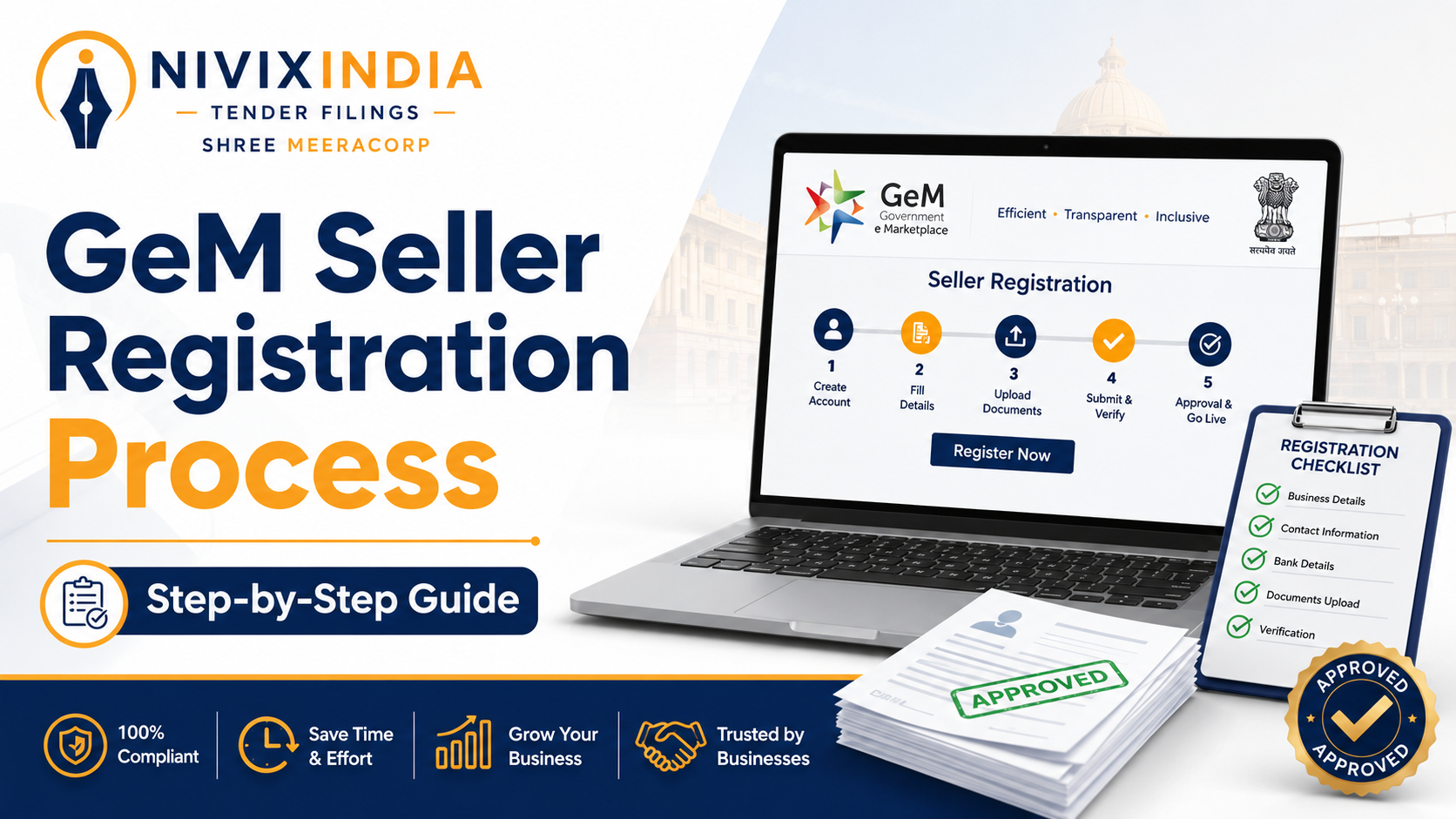
Gem Registration
GeM Seller Registration Process: Step-byStep Guide
Government e-Marketplace (GeM) is the Government of India's official e-procurement portal that enables businesses to sell goods and services to central and state government departments, ministries, PSUs, autonomous bodies, and other public organizations.
